
Your keys stay put.
Provider API keys live in an encrypted vault on your Mac, not in agent config files.
 AGENT MASTER KEY
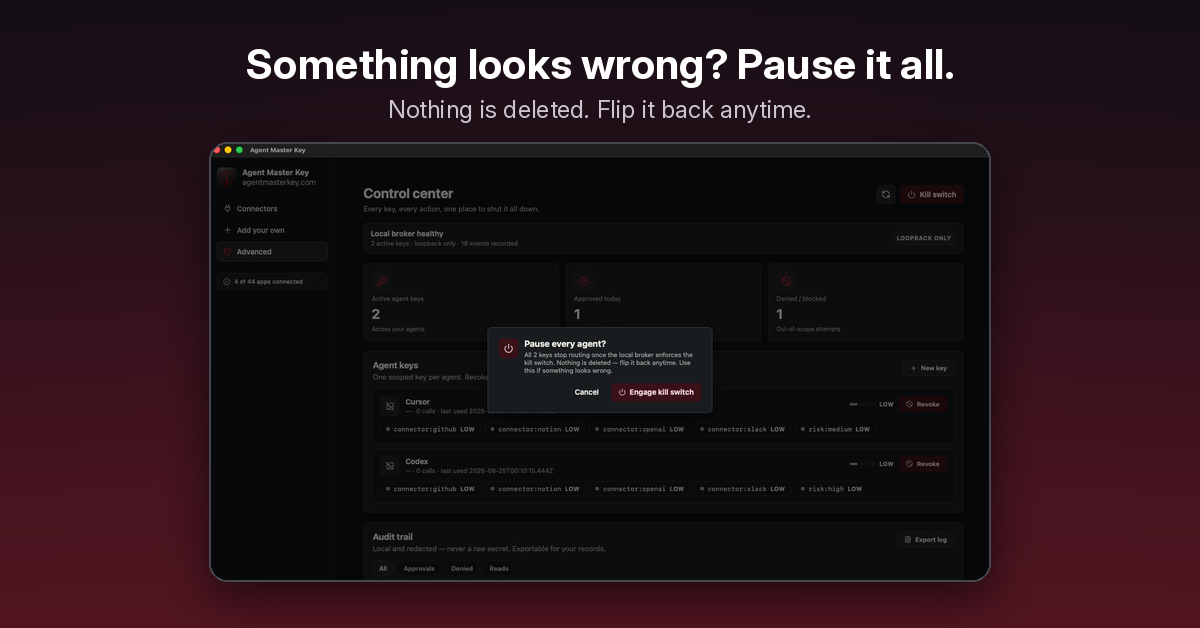
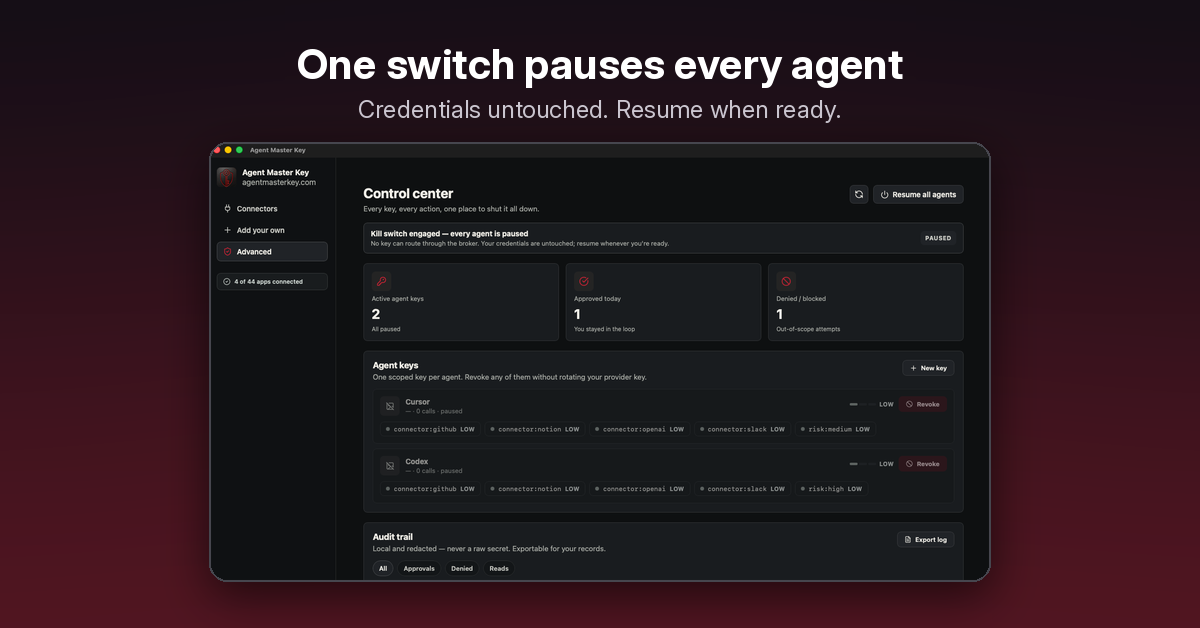
Agent Master Key keeps your provider API keys in an encrypted vault on your Mac. Each agent gets its own limited key, and one click shuts it off.
macOS 14+ · Apple Silicon · closed-source free preview · no account or email
Install details & SHA-256The demo illustrates connecting a sample app, creating an agent key, an allowed request, and revoking the key. It then illustrates a blocked request. Completed work is not undone.
An interactive example
See what happens when an agent makes a request—and what changes when you take access back.
Search for Mac automation documentation
Enable JavaScript to try the example.
The agent never sees the provider key in this example. Revocation does not undo completed work or stop a request already in progress. This example does not verify behavior across restarts.
It won't stop an attack. It limits what an agent can grab.
Download for MacProvider API keys live in an encrypted vault on your Mac, not in agent config files.
Each agent gets its own limited key, so you can see and control each one separately.
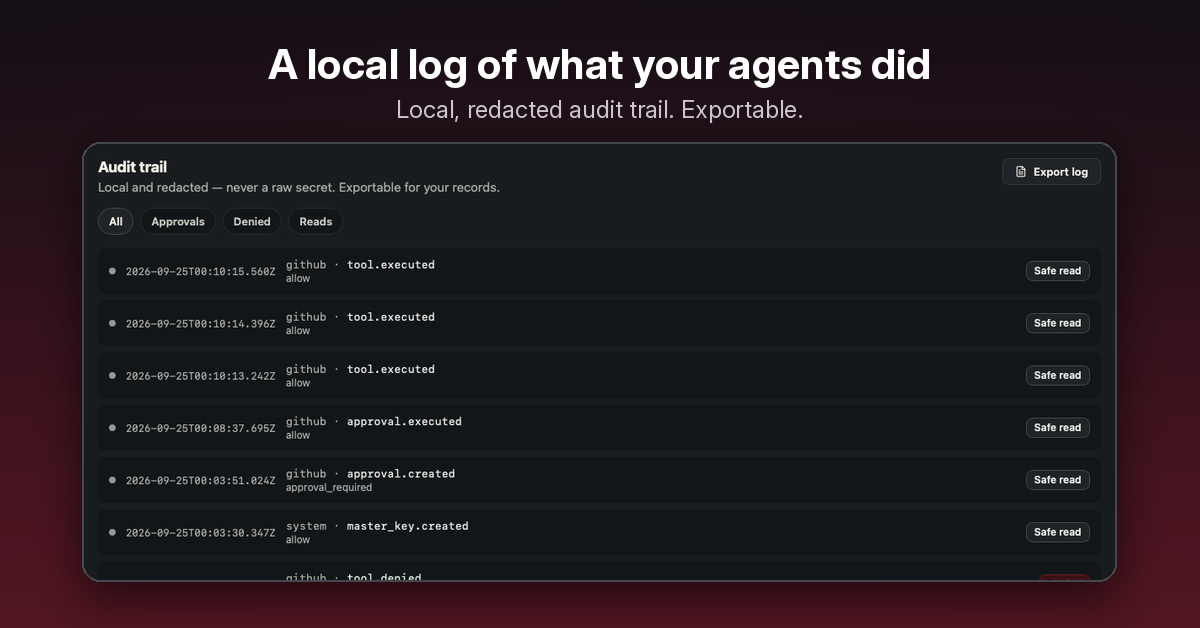
Turn off an agent's key without rotating your real provider keys. There's an audit trail and a connectors dashboard for everything else.
Its own limited key that works through AMK on your Mac. It can reach only the connectors and actions you allow, not your real provider keys.
In an encrypted vault on your Mac. AMK doesn't upload them.
AMK is a closed-source macOS app that limits what an agent can grab. It doesn't isolate a malicious program already running as your macOS user. For hard separation, use separate macOS user accounts. Turning off a key doesn't undo work an agent already finished.
An Apple Silicon Mac (M1 or newer) on macOS 14 or later.
It's a free public preview. No account or email needed.
macOS 14+ · Apple Silicon · closed-source free preview · no account or email
